Platform Login and Connection
Platform Portal
tip
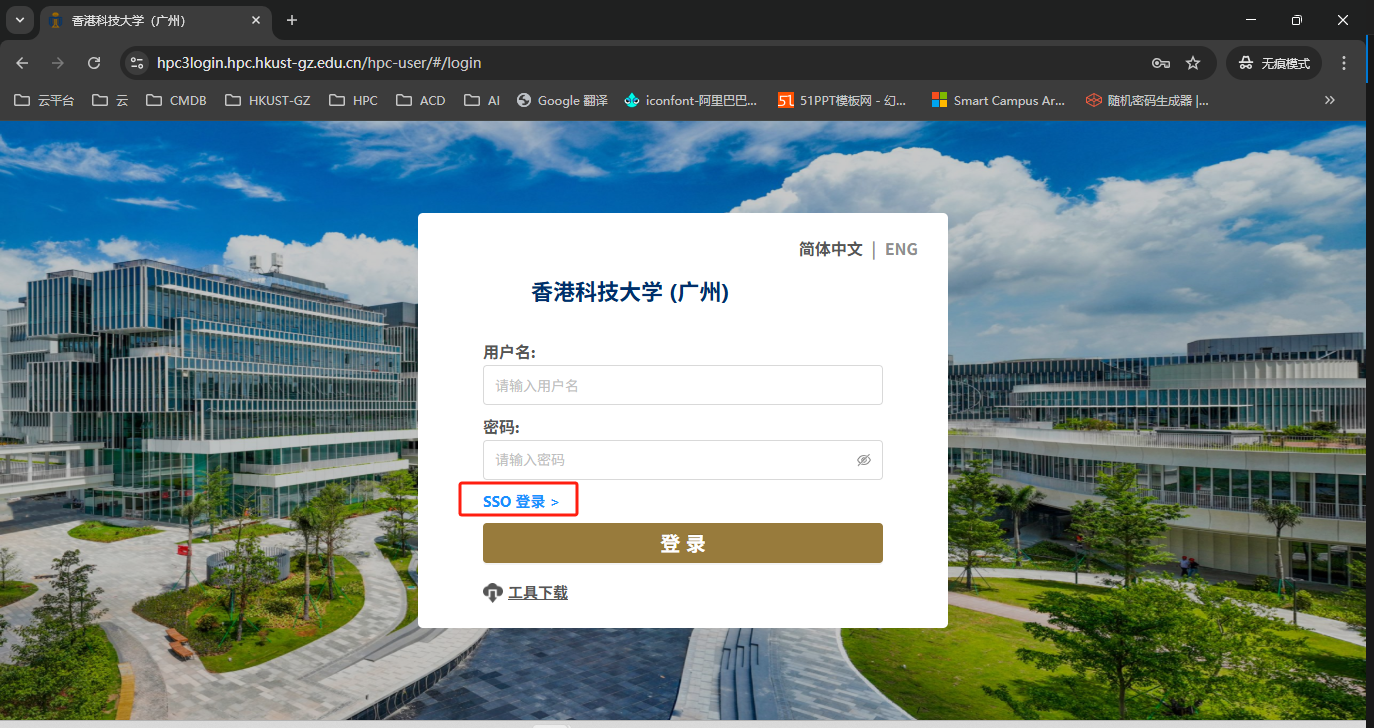
On-campus users should select Single Sign-On (SSO) Login and use the SSO username (email prefix) and password to log in.
Cluster Connection: WEB SSH Mode
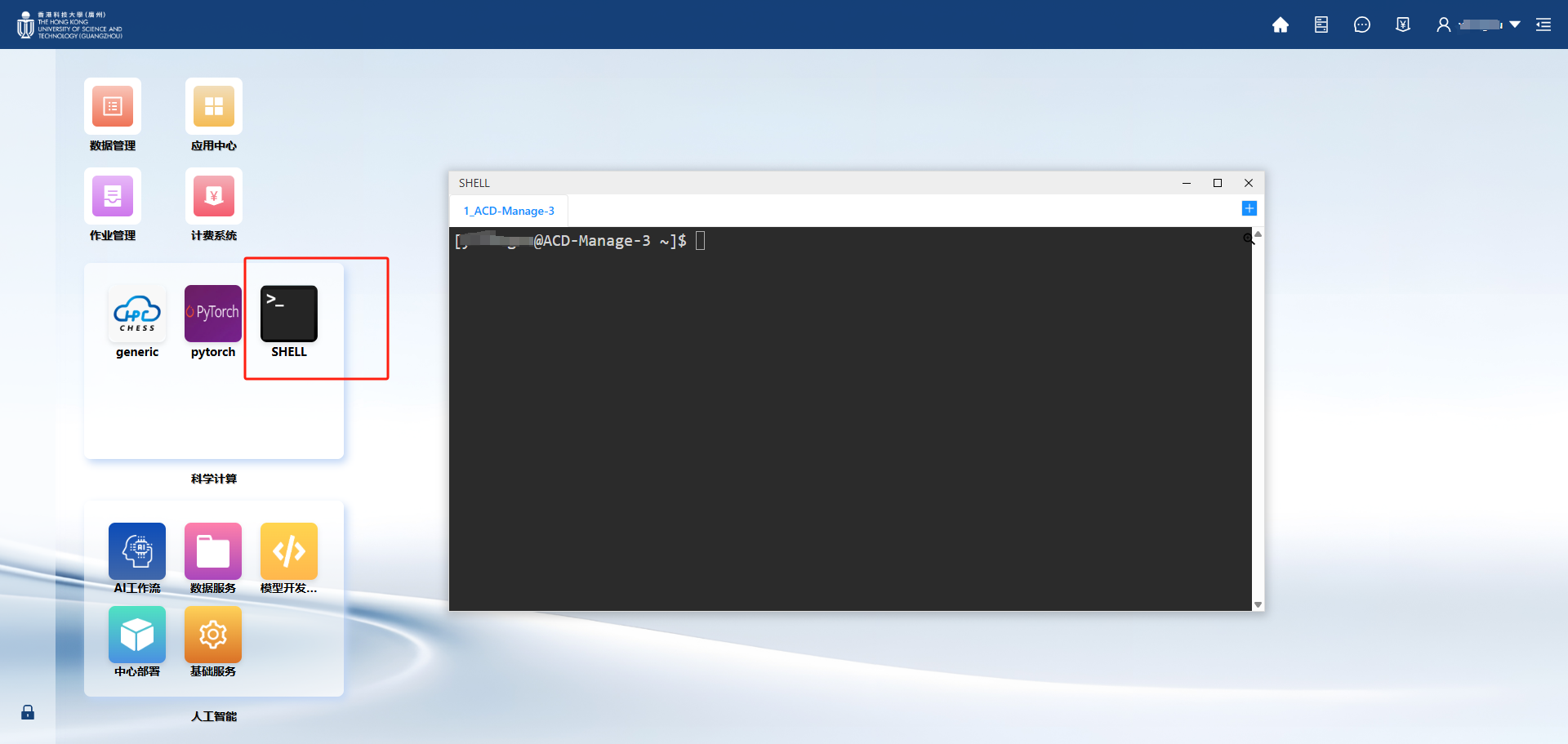
Log in to the HPC Phase III Platform Portal --- Click [SHELL]
Cluster Connection: Local SSH Mode
You can use secucrt, putty, MobaXterm, and the ssh tool built into the windows system (windows 10 and windows 11) to connect.
SSH command:
ssh username@hpc3login.hpc.hkust-gz.edu.cn